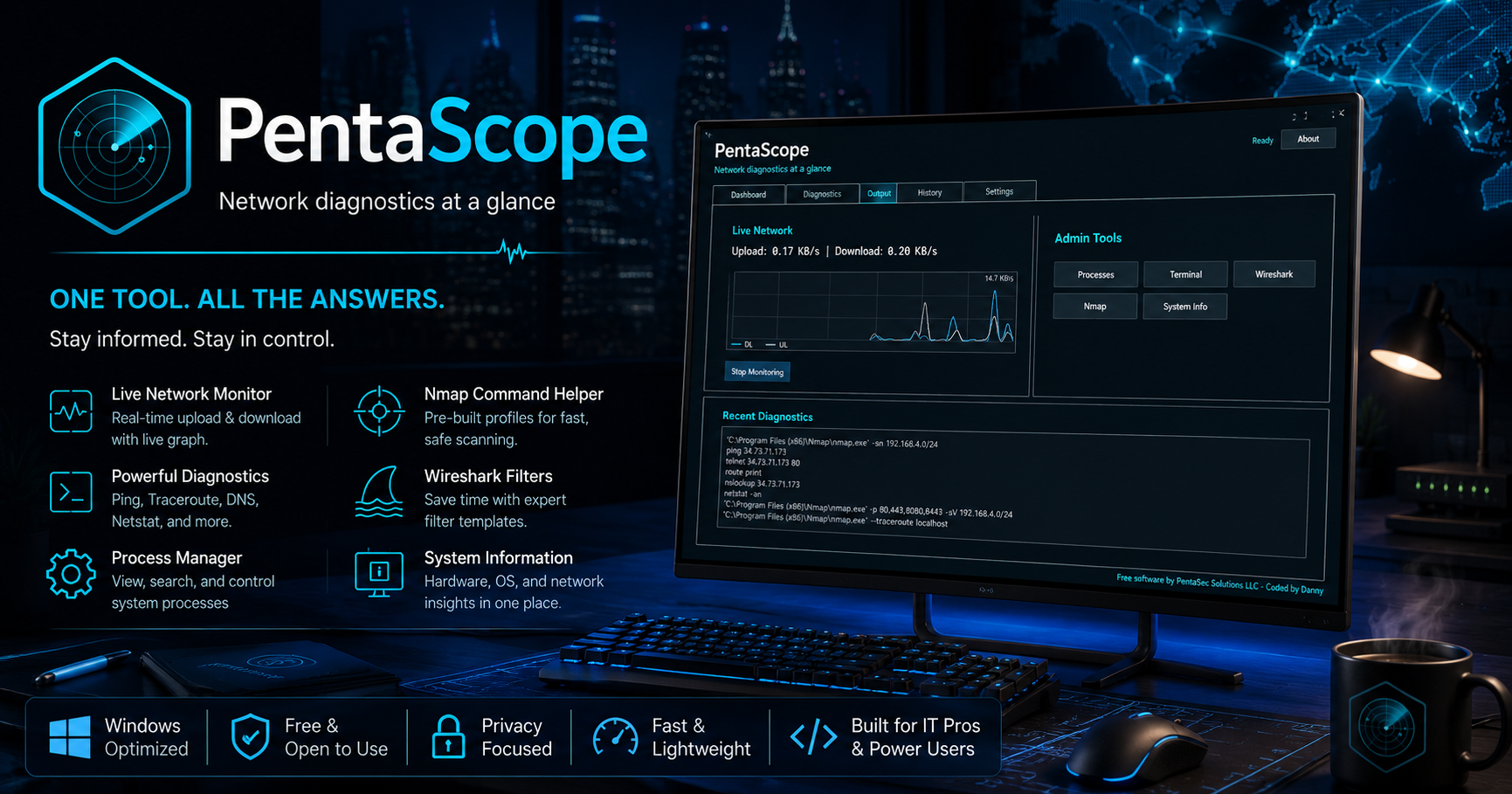
Live Network Monitor
Watch upload and download activity with a compact Wireshark-style sparkline.

Free Windows desktop diagnostics
Network diagnostics at a glance
One tool. All the answers.
Stay informed. Stay in control.
Free software by PentaSec Solutions LLC. Coded by Danny.
Focused admin tools
PentaScope brings live monitoring, command history, validated diagnostics, and helper workflows into one local Windows app.
Watch upload and download activity with a compact Wireshark-style sparkline.
Run common defensive network checks with validated host, IP, and domain input.
Use friendly Nmap profiles for approved systems and networks without memorizing flags.
Search common display filters, copy syntax, and launch Wireshark from one helper.
Inspect processes, copy details, refresh, terminate, or force kill with confirmations.
Review platform, Python, CPU, memory, and local system details from the dashboard.
Demo
Watch a quick walkthrough of the PentaScope dashboard, live traffic monitor, diagnostics workflow, helper windows, and admin-focused tools in action.
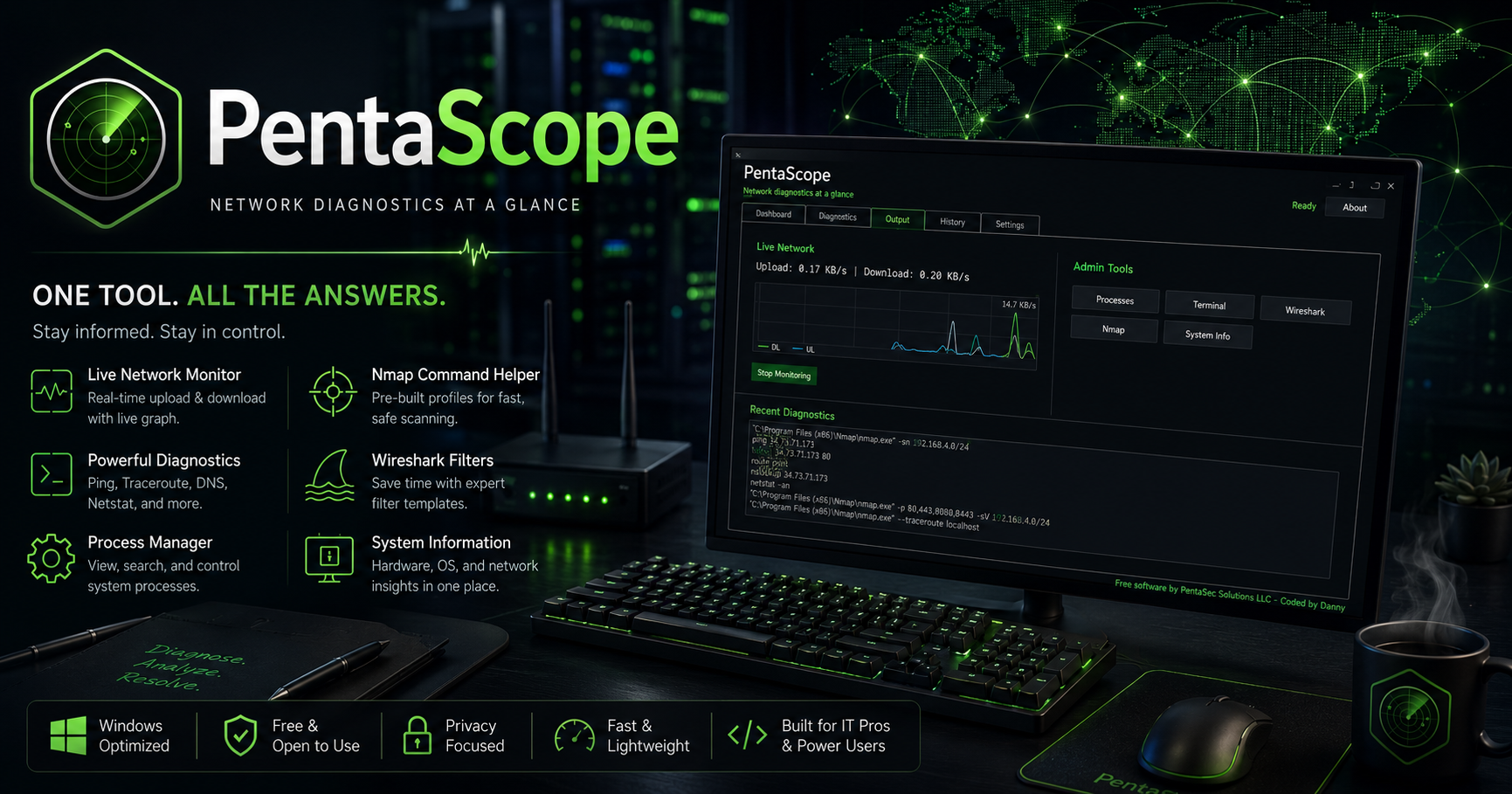
Desktop workflow
Use PentaScope to move from quick checks to deeper inspection without hopping across disconnected utilities. Keep history, output, helpers, settings, and process tools close at hand.
Download
Get the packaged Windows ZIP and run PentaScope locally. Package size: 17.3 MB.
Download PentaScope for WindowsNmap and Wireshark are optional external tools and are not bundled. Their paths can be configured inside PentaScope Settings.
Only scan systems and networks you own or have permission to test.