ICO conversion
Convert PNG, JPG, JPEG, WEBP, and BMP images into Windows-ready ICO files.

Software by PentaSec Solutions LLC
A simple Windows icon builder for Python developers.
Icon Forge is a Windows desktop utility for developers that converts common image formats into polished Windows .ico files for Python apps, desktop software, PyInstaller builds, and project assets.
App demo
Watch the Windows utility and open screenshots full-size to preview the interface.
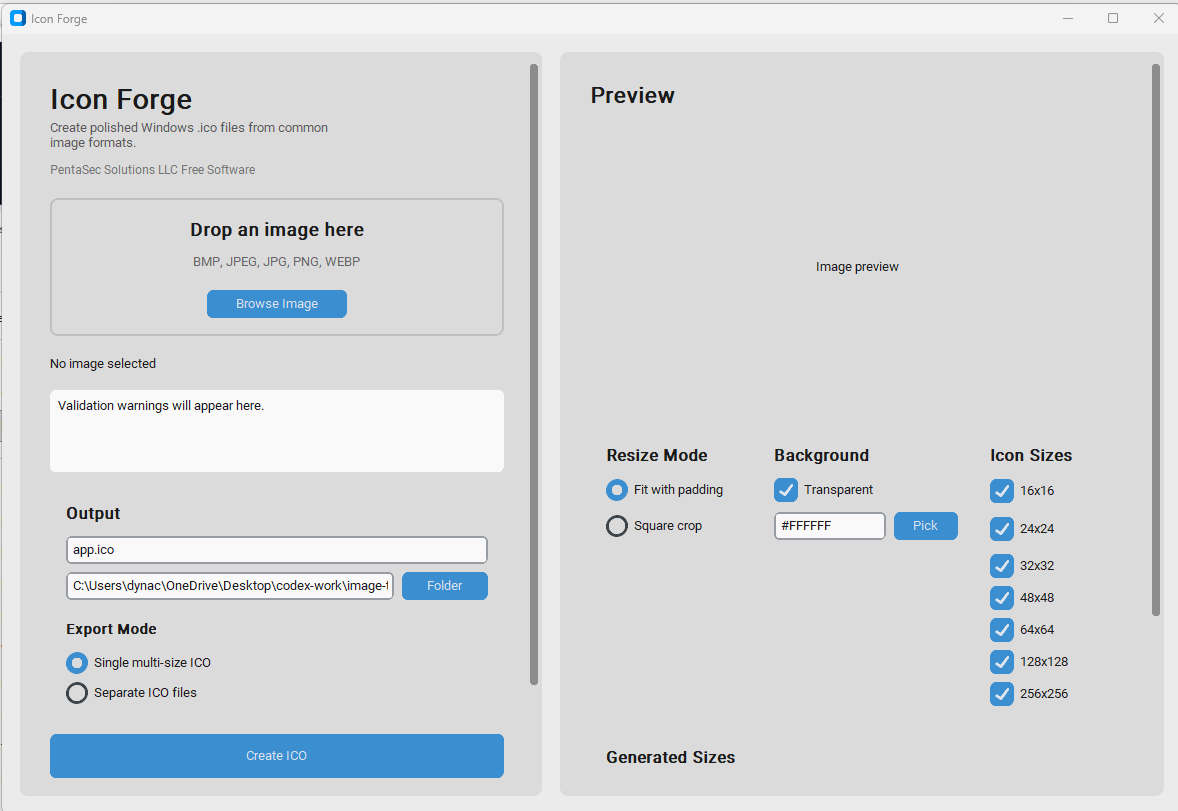
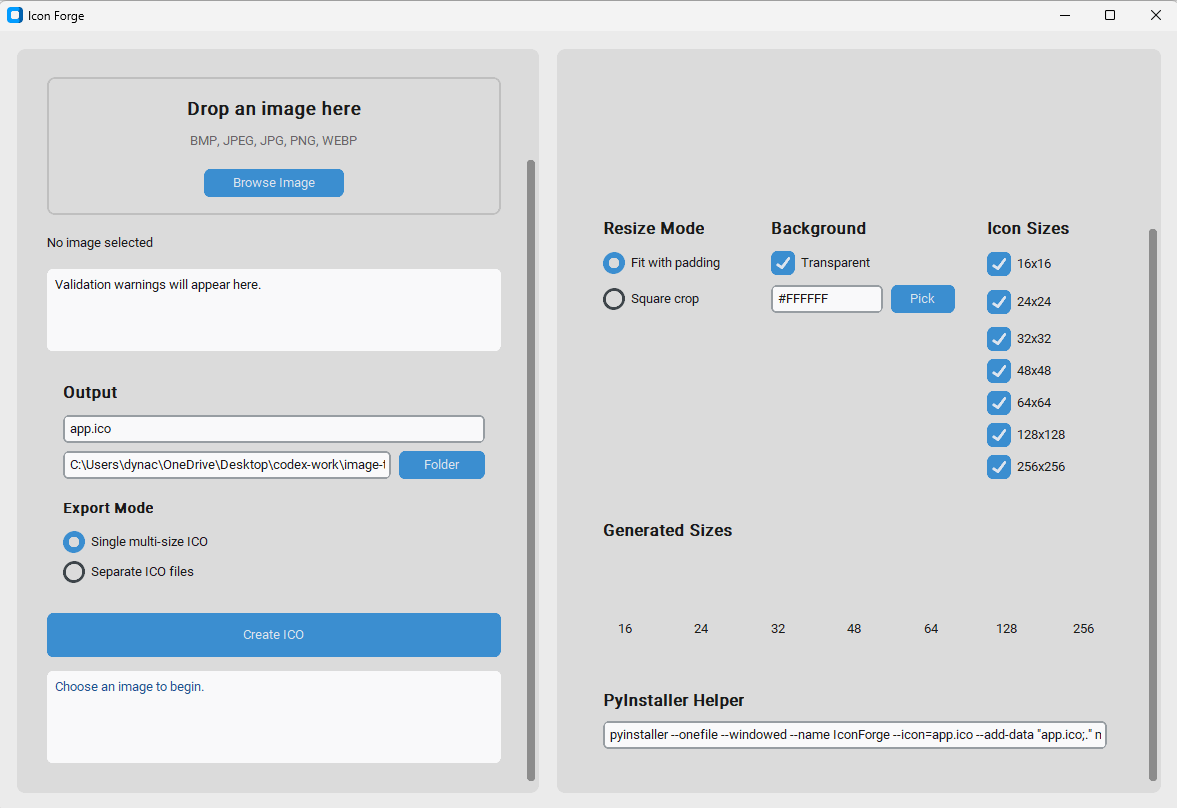
Icon Forge helps developers turn regular images into app-ready .ico files without manually resizing, cropping, exporting, and stitching icon assets together. Start with an image, choose the icon sizes, preview the result, then export files that are ready for Windows desktop apps.
It is useful for PyInstaller builds, Tkinter and CustomTkinter apps, desktop app icons, favicon-style project assets, and fast software branding when you need a clean Windows icon without opening a heavy design tool.
Share preview
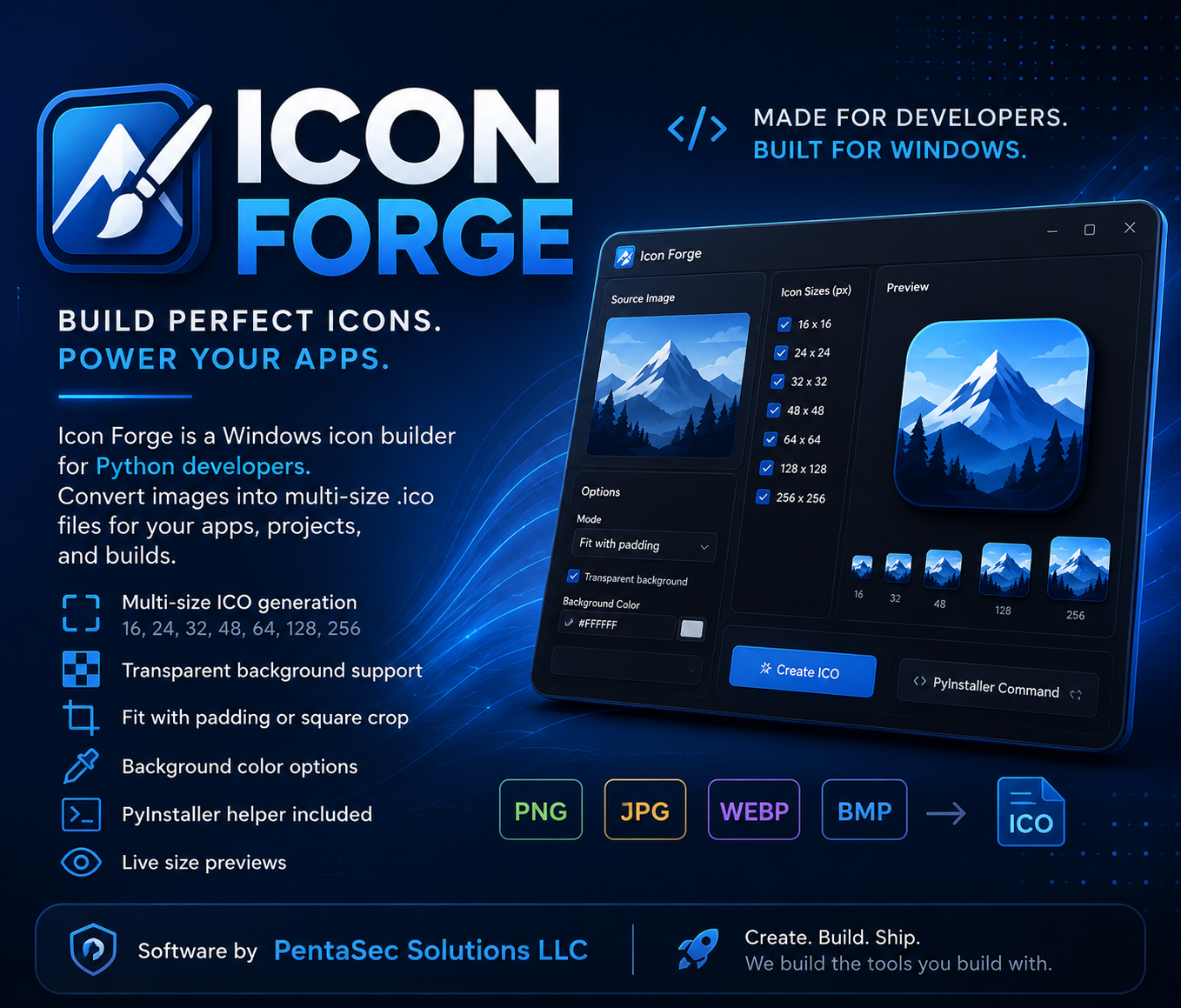
Icon Forge now has a dedicated social preview image for Facebook, X, and other platforms that read Open Graph metadata.
Developer features
Built to keep icon generation quick, predictable, and friendly for desktop software projects.
Convert PNG, JPG, JPEG, WEBP, and BMP images into Windows-ready ICO files.
Generate common app icon sizes including 16, 24, 32, 48, 64, 128, and 256 pixels.
Create one multi-size .ico file or export separate ICO files by size.
Preserve transparent backgrounds, fit images with padding, square crop, or add a background color.
Includes live icon size previews and a PyInstaller helper command for faster app packaging.
Beginner-friendly desktop interface built with Python, CustomTkinter, and Pillow.
PyInstaller helper
After exporting your icon, use it with a PyInstaller command like this:
pyinstaller --onefile --windowed --icon=app.ico your_app.pyWindows download
Download the Windows build for Icon Forge. The ZIP package includes the desktop utility files from PentaSec Solutions LLC.
Windows ZIP package - 18.4 MB
Windows SmartScreen may appear for new independent software. If you trust the download, choose "More info" and then "Run anyway" to open the app.
Browse the SmartAssess.io Python Projects collection.
A free Windows desktop tool for local-only file encryption.